Best Kubernetes GPU Optimization Platform for AI in 2026

Debo Ray
Co-Founder, CEO

If you run AI workloads on Kubernetes, you’re probably paying for GPUs you are not using. Not a small amount either. Most companies waste more than half their GPU budget on hardware that sits idle, waiting for work that never comes.
This blog explains why that happens, what it is costing you, and which platforms actually fix it.
Why Do We Need a Kubernetes GPU Optimization Platform#
So let's state the Problem first: you’re paying full price for empty hardware. Here is a number worth sitting with.
Across production Kubernetes clusters, average GPU utilization sits at roughly 5%. Other industry estimates put the number higher, in the 10-30% range, but even the more generous figure means that most of the GPUs you own are doing nothing most of the time.
A single NVIDIA H100 GPU costs between 2 and 5 dollars per hour to rent in the cloud and 27,000 to 40,000 dollars to buy outright. Now picture fifty of those running around the clock, mostly idle, because someone reserved capacity "just in case" and nobody ever went back to right-size it. That is not hypothetical. That is what a normal AI infrastructure bill looks like today.
Think of it like leasing fifty delivery trucks to run a business that only needs fifteen on the road at any given time. The other thirty-five sit in the lot with the engine running, burning fuel, because nobody wants to be the one truck short when a big order comes in. That fear, not actual need, is what sets most GPU budgets.
The real problem underneath is that engineering teams over-provision GPUs out of fear, not out of need, because nobody has clear visibility into what is actually being used versus what is simply being reserved.
Why Kubernetes Cannot Fix This on Its Own#
Kubernetes is the system most companies use to run and manage their AI applications across servers. It is good at distributing routine computing work. It’s not good at sharing GPUs by default.
Here is one way to look at it. When Kubernetes allocates a GPU, it treats the entire card as a single, indivisible unit. A workload requests "one GPU," and Kubernetes allocates the entire physical card, even if that job uses only 15% of its memory and 30% of its processing power. There is no built-in way to say "give this job a slice, and give the rest to something else." It is all or nothing.
That single design gap is the root of almost every GPU waste story you will hear. A team running a mid-size AI model on an 80-gigabyte GPU might use 12 gigabytes of memory. Kubernetes does not see "12 gigabytes used, 68 free." It sees the GPU as occupied. The other 68 gigabytes sit locked away, unavailable to any other job, for as long as that one workload runs.
Multiply that across fifty jobs running the same way, and you could be paying for fifty full GPUs when the actual combined workload would comfortably fit on fifteen to twenty.
Even at a conservative 3 dollars per GPU-hour, that gap adds up to well over 100,000 dollars a year in pure waste for a mid-size AI team, and it climbs into the millions for larger enterprises running hundreds of models.
Kubernetes also gives you almost no visibility into what is really happening inside a GPU. The standard tool most teams rely on, called nvidia-smi, reports a single utilization percentage. That number cannot tell you whether the GPU is doing valuable work, stuck in an inefficient loop, or simply reserved and waiting.
You cannot fix what you cannot see, and right now, most companies cannot see it.
The “Fix Is Not Buy More” GPUs. It Is Use the Ones You Have#
Here is the good news. This problem has a real, working solution, and it does not involve buying more hardware. It involves software that watches your GPUs continuously, figures out what is actually being used, and automatically reclaims what is not, without you lifting a finger and without disrupting a job that is genuinely running.
This is what the industry now calls Kubernetes GPU optimization. In plain terms, it means:
Your system tells you exactly which GPUs are busy and which ones are pretending to be busy. You set simple rules once, such as "shut down any GPU sitting idle for more than 20 minutes," and the software enforces those rules automatically, every day, without a person checking a dashboard. Your AI training and live customer-facing applications keep running exactly as they did before. Nothing about how your engineers write code has to change.
The benefit to your business is straightforward: lower cloud bills, freed-up budget you can put toward actually growing the business, and engineers who spend their time building products instead of babysitting infrastructure spreadsheets.
The Six Platforms Business Leaders Are Actually Choosing in 2026#
Here are the six worth knowing, evaluated on the things that actually matter: like does it find the waste, does it act on the waste automatically, does it protect performance, and how fast can you see results.
1. DevZero#
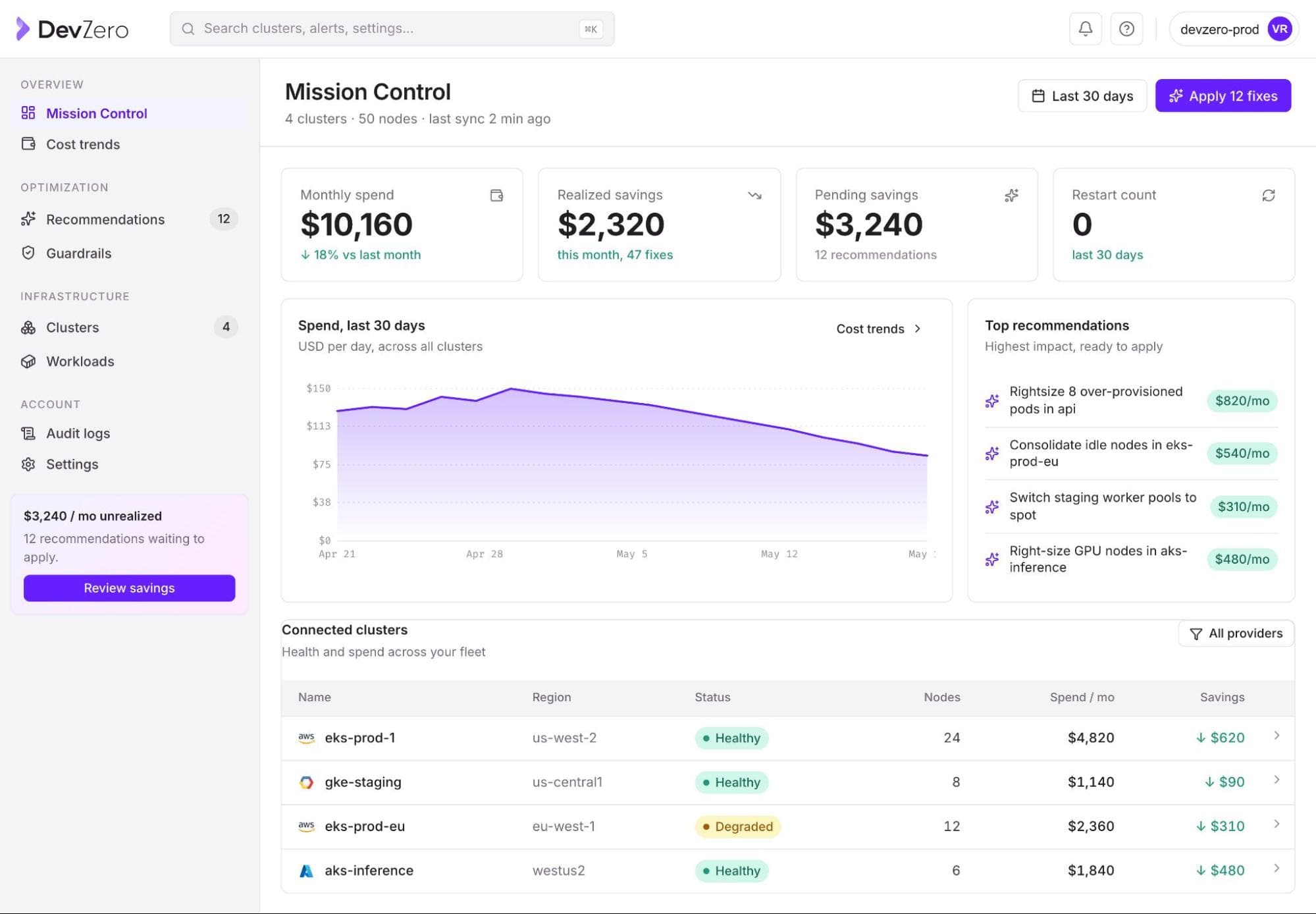
Best for: Automatic, Policy-Driven GPU Reclamation
DevZero is built specifically around one core idea: stop paying for idle GPUs, automatically, without engineers having to manually hunt for waste. Instead of just showing you a dashboard and leaving the fixing to your team, DevZero continuously monitors GPU allocation and actual usage across your clusters and applies the rules you set to reclaim unused capacity.
Here is what that looks like in practice.
DevZero identifies three common waste patterns most teams don’t catch on their own:
AI training jobs that finish but never release their GPUs, inference services that keep a "warm pool" of GPUs running even during traffic hours, and interactive notebooks that employees leave open long after they have logged off for the day.
You define the policy, such as how long a GPU can sit idle before it gets reclaimed, and DevZero enforces it around the clock.
Setup does not require months of engineering work. You install a read-only operator, meaning it can look at your cluster and report on it without touching anything, so there is zero risk while you evaluate it.
Personality Pool, an HR technology company, went from 15% utilization and unpredictable AWS bills to a 60% cost reduction in 30 days, with 30% of that drop showing up in the first 24 hours after applying DevZero's recommendations.
Fi Money, a financial services company, cut Kubernetes costs by up to 67% on non-production clusters through the same kind of automated right-sizing.
If your biggest pain point is "we know we are wasting money, but nobody has time to go find it and fix it manually," this is the platform built to solve exactly that.
See what a free GPU waste assessment on your own cluster looks like, it takes minutes to install and does not touch anything without your say-so.
2. Cast AI#
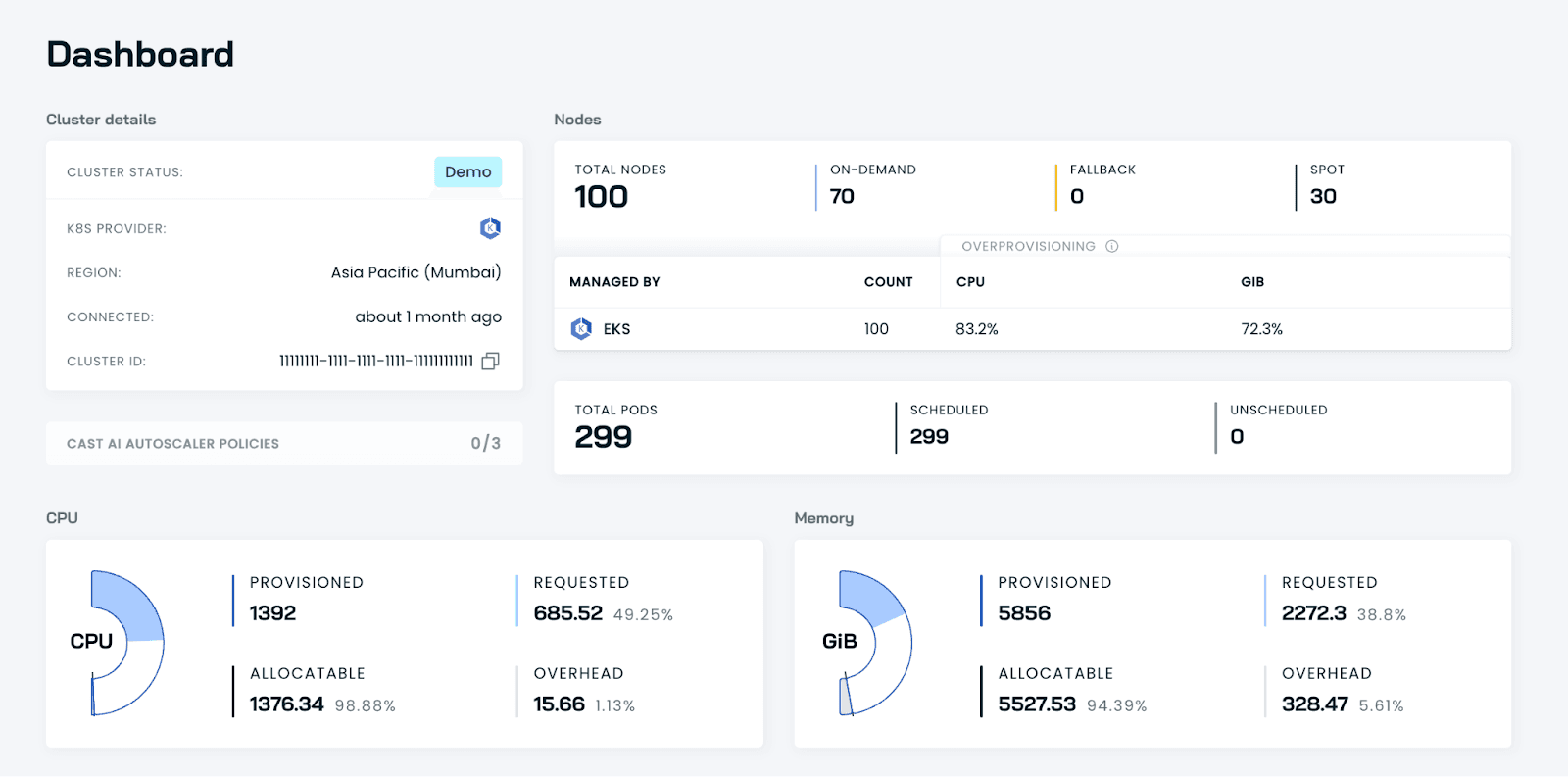
Best for: Multi-Cloud GPU Capacity
Cast AI's OMNI Compute product focuses on a different piece of the puzzle: finding available GPU capacity across AWS, Google Cloud, and Azure and letting workloads run wherever that capacity exists, without your engineers rewriting any code.
It supports both GPU time-slicing, where multiple jobs take turns on one physical card, and MIG partitioning, where NVIDIA hardware is split into isolated, dedicated chunks.
This is the right fit if your company already spreads workloads across more than one cloud provider and GPU shortages in a single region are a recurring headache.
3. Run: ai / NVIDIA KAI Scheduler#
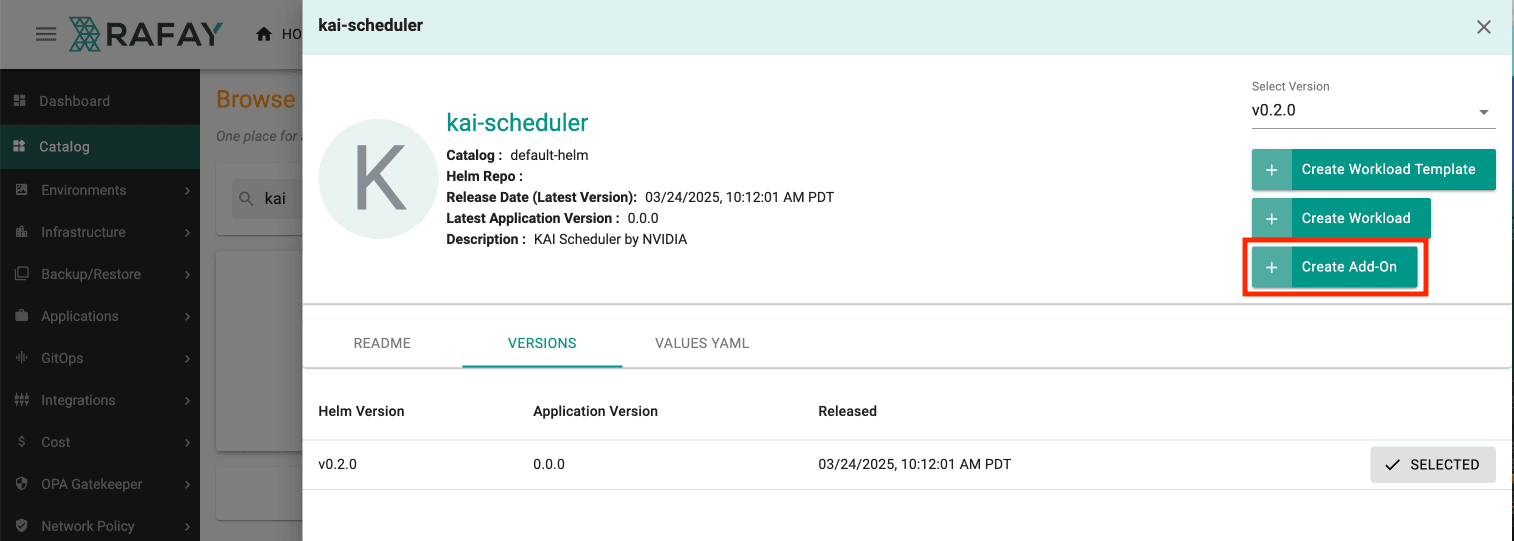
Best for: Large, Multi-Team GPU Fleets
Run: ai is NVIDIA's enterprise GPU orchestration platform, built after NVIDIA acquired the company in late 2024 for a reported $ 700 million. Shortly after that deal closed, NVIDIA open-sourced the underlying scheduling engine as the KAI Scheduler, under the free Apache 2.0 license, and it later joined the Cloud Native Computing Foundation as an official project.
In plain terms: KAI Scheduler is the free, do-it-yourself version, and Run: ai is the paid, fully managed version with extra controls such as memory isolation, dedicated support for NVIDIA's MIG hardware partitions, and management across multiple clusters from a single screen.
Large enterprises running hundreds of GPUs across several internal teams tend to reach for this option because it handles the "who gets priority when everyone wants a GPU at the same time" problem well.
4. ScaleOps#
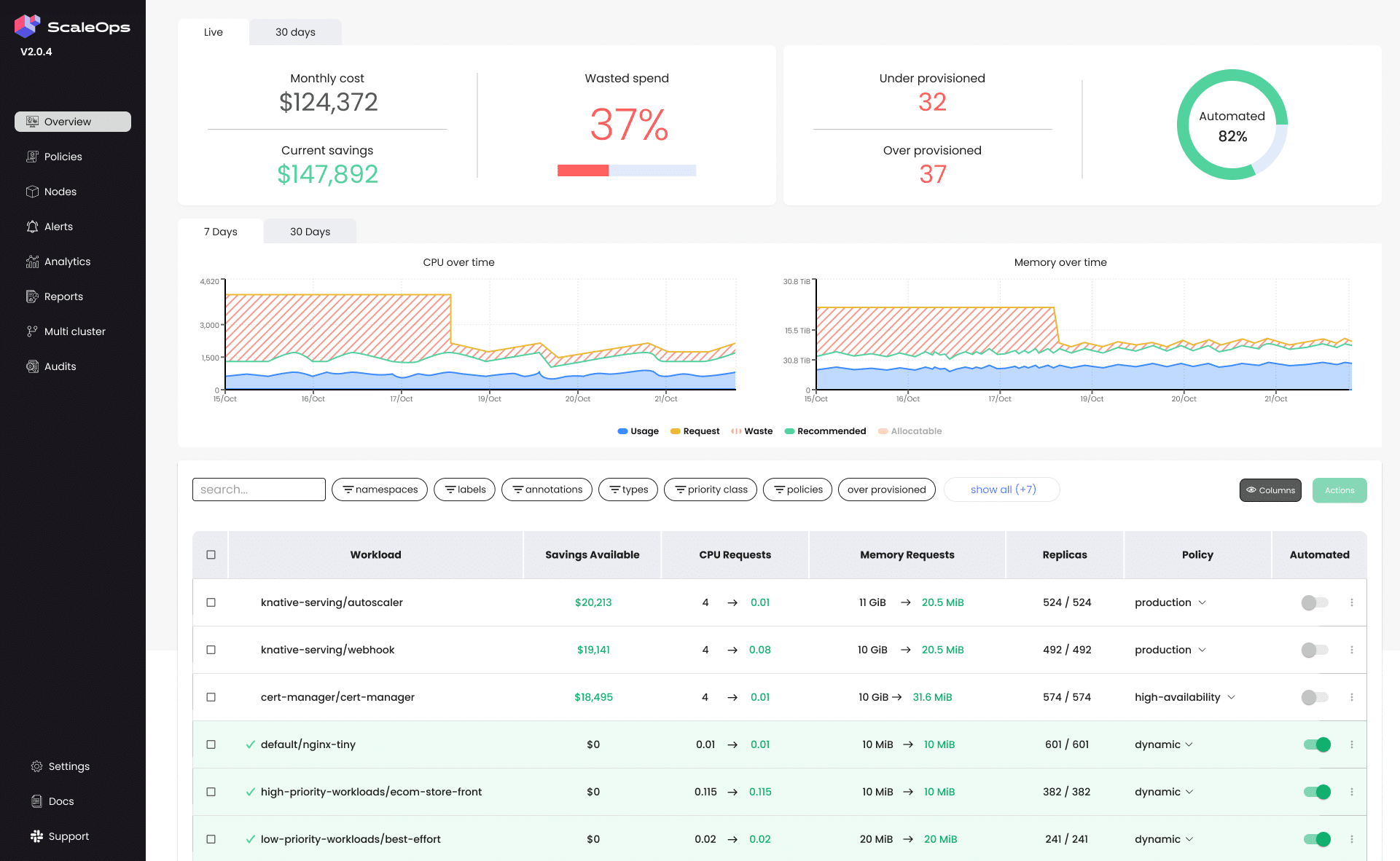
Best for: Real-Time AI Inference Workloads
ScaleOps focuses specifically on the applications that answer customer requests live, such as chatbots and recommendation engines, where a slow response is not an option.
Their data show production deployments moving from a 20-30% baseline GPU utilization to 70-80%, translating into 50-70% reductions in infrastructure spend.
Their pitch is that older Kubernetes scaling tools were built for regular web traffic, not for the bursty, unpredictable way AI inference actually behaves, so a purpose-built layer is needed on top.
5. Kubecost#
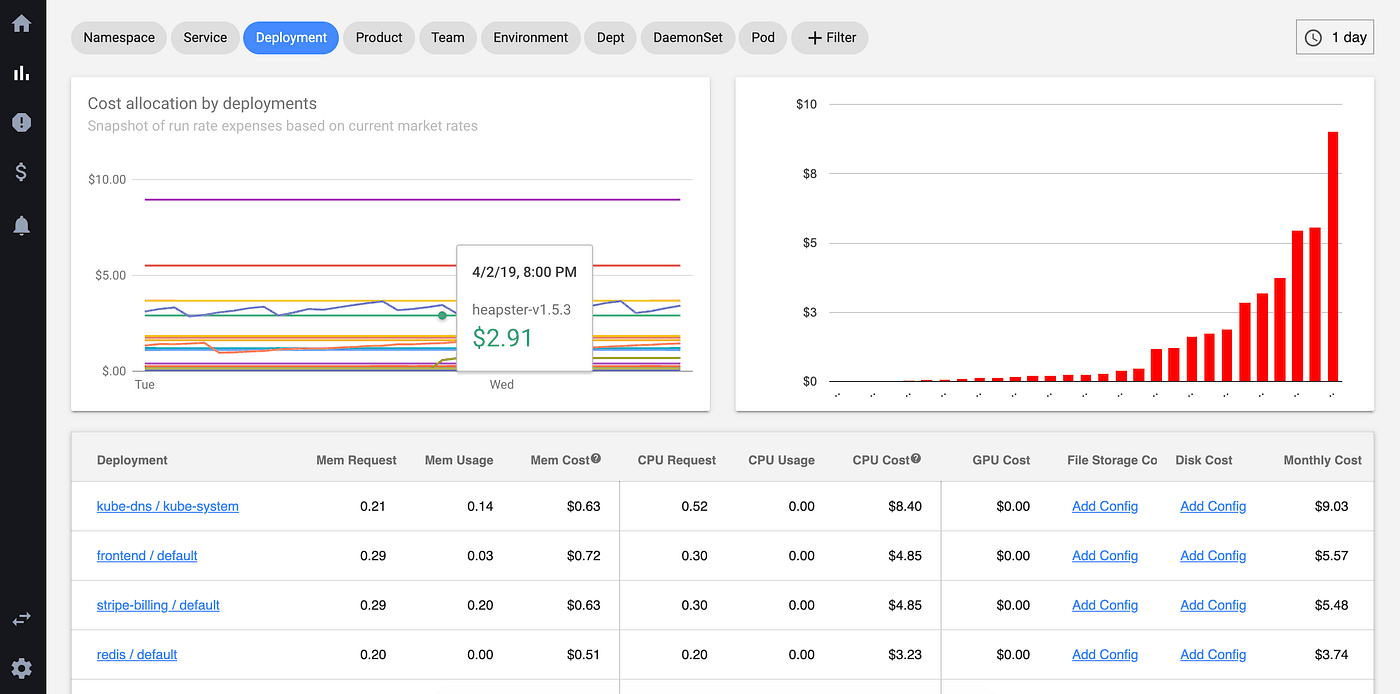
Best for: Seeing Where the Money Actually Goes
Kubecost, now owned by IBM, is less about automatically fixing GPU waste and more about showing you, in dollars, exactly which team, project, or application is responsible for each line item on your bill.
If your biggest problem right now is that finance and engineering are arguing over numbers because nobody can agree on where the spend is coming from, this tool solves that specific argument. It does not, on its own, act to fix the waste. It shows it to you.
6. Kueue#
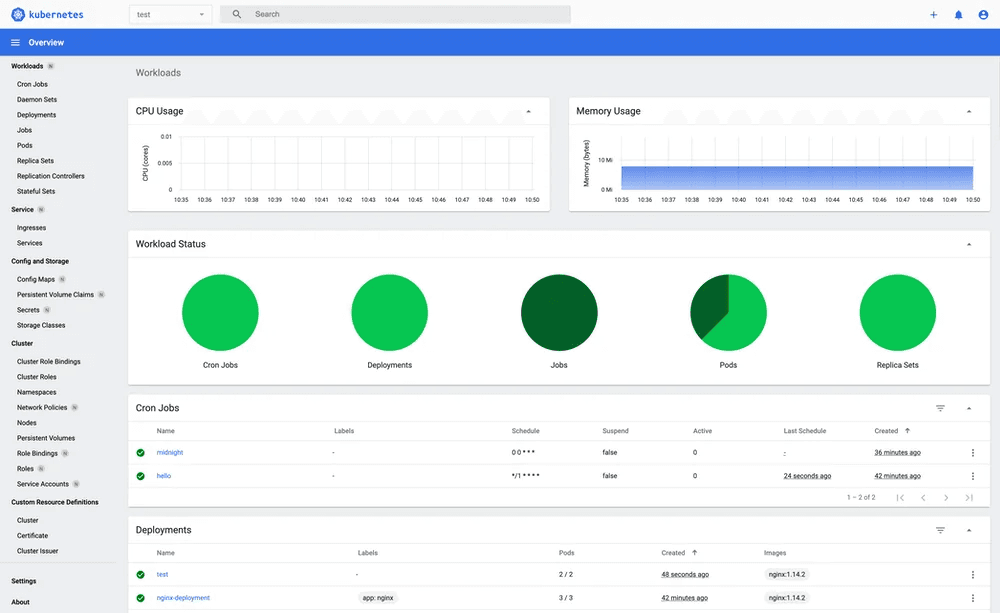
Best Free Option for: Teams Sharing a Fixed GPU Pool
Kueue is a free, open-source tool from the Kubernetes project itself, designed to manage a queue of jobs waiting for GPU access and to ensure that one team cannot hog all the GPUs while another team's work sits idle.
When one team is not using its share, Kueue temporarily lends that capacity to another team and automatically takes it back when the original owner needs it again.
This is a strong starting point if your budget for new tools is zero and you have in-house engineering talent able to set it up and maintain it. It requires more hands-on technical work than the fully managed platforms above.
What to Actually Look For Before You Pick One#
Only a handful of CFOs know what actually matters when you are the one signing off on the decision. Here is our version of it, which helped many organizations.
Does it act automatically, or does it just show you a report? A dashboard that tells your engineers they are wasting money is only useful if someone has the time to act on it every single day. Tools like DevZero and ScaleOps are built to act on your behalf, based on rules you approve once. Tools like Kubecost are built to inform, and someone still has to do the work.
Will it break anything while it is running? This is the question most articles skip entirely, and it is the one that should worry you most. Any tool touching live GPU allocation needs a way to guarantee it will not interrupt a training job or a customer-facing application mid-request.
Ask any vendor directly: what happens if your system reclaims a GPU that turns out to still be in use? A confident, specific answer is a good sign. A vague one is not.
How fast can you see real results? You should not need a six-month implementation project to find out if a tool works. The strongest options, DevZero included, install a read-only agent first, so you get a real picture of your waste within minutes, with zero risk, before you commit to anything.
Does it fit how your teams already work? If your engineers already use Karpenter for node scaling or a specific cloud provider's managed Kubernetes service, make sure whatever you choose sits on top of that instead of forcing a rebuild.
What happens to your GPU spend as you grow? A tool that solves today's waste but does not scale with a growing AI team just becomes next year's problem. Ask for a customer example at a size similar to your own business, not just a logo wall.
A Real Example, Told Simply#
Personality Pool, an HR technology company, had a familiar problem. Their AWS bill kept climbing, their GPU utilization sat around 15%, and nobody on the team had the bandwidth to dig through cluster configurations looking for waste. They installed DevZero's monitoring operator on their cluster. It took under a minute and did not touch anything running in production, because it started in read-only mode.
Within 24 hours, just from applying the platform's first recommendations, their daily spend dropped 30%. Within 30 days, their total cloud cost was down 60%.
No engineers were pulled off their real jobs to make that happen.
No workloads went down.
The company simply stopped paying for capacity it was never using in the first place.
That is the outcome worth aiming for: money that was leaking out of the business every month gets put back to work, without adding risk or slowing anyone down.
How DevZero Changes the Picture for You#
If you have read this far, you already understand the core issue better than most people in your position ever will: GPUs are expensive, most of that expense is invisible waste, and fixing it doesn’t require a bigger budget, just better visibility and automatic enforcement.
This is exactly the gap DevZero was built to close. It doesn’t ask your team to redesign anything. It watches your existing Kubernetes clusters, tells you in plain numbers how much GPU capacity is sitting idle right now, and lets you set simple rules so it never happens again, all without a single disruption to the AI applications your business already depends on.
The install is a read-only script that takes under a minute, so there is no reason to keep predicting your GPU bill when you can see the real number today.
Book a 15-minute walkthrough, and DevZero will show you, using your own cluster's data, where your money is actually going. Or start a free assessment right now and see your potential savings in minutes.
Frequently Asked Questions#
What is Kubernetes GPU optimization#
It is the practice of making sure every GPU your company pays for is actually being used, instead of sitting idle while you keep paying for it. It usually involves software that watches usage in real time and automatically frees up or reallocates GPUs that are not doing productive work.
Why does this matter for a non-technical business owner#
Because GPU waste does not show up as a single obvious line item. It hides inside a normal-looking cloud bill, and it can quietly cost a growing AI company hundreds of thousands of dollars a year without anyone noticing until someone goes looking.
Will fixing GPU waste slow down my AI applications#
Not if you choose a tool built for it. Platforms like DevZero are designed specifically to avoid touching active training or inference jobs. They target genuinely idle capacity, not capacity that is in use.
How fast will I see savings#
Some companies see meaningful drops in their bill within the first 24 hours of installing monitoring, with fuller results inside 30 days, based on real customer outcomes.
Do I need to hire new engineers to do this#
No. The strongest tools in this space are built to run with policies your existing team sets once, then automatically enforces. You are not adding headcount to fix this problem. You are removing a manual task nobody had time for anyway.
What is the single best first step#
Get visibility before you buy anything. A read-only assessment, like the one DevZero offers, shows you the real waste number on your own cluster before you spend a dollar or change a single workload.

Debo Ray
Co-Founder, CEO


